Zombie Love Story AI: Turn Two Photos into a Film
Zombie Love Story AI from two photos: a survivor faces a partner who has turned, lowers the gun instead of firing, holds them, and the film jumps to a memory of both laughing in the snow at sunset. Sample people are AI-generated.
- Sample 1
- Sample 2
Add 2 photos
JPG, PNG or WebP, up to 30MB
Pick quality and length
This video: 10 credits · 10 videos a month for $29.90, or 40 a year for $100
By creating, you confirm you have permission to use these photos. A video that fails is never charged.
No sign-up needed · Pay once, download your video
See a ready-made result instantly. No credits used.
Zombie Love Story AI examples: photo in, video out
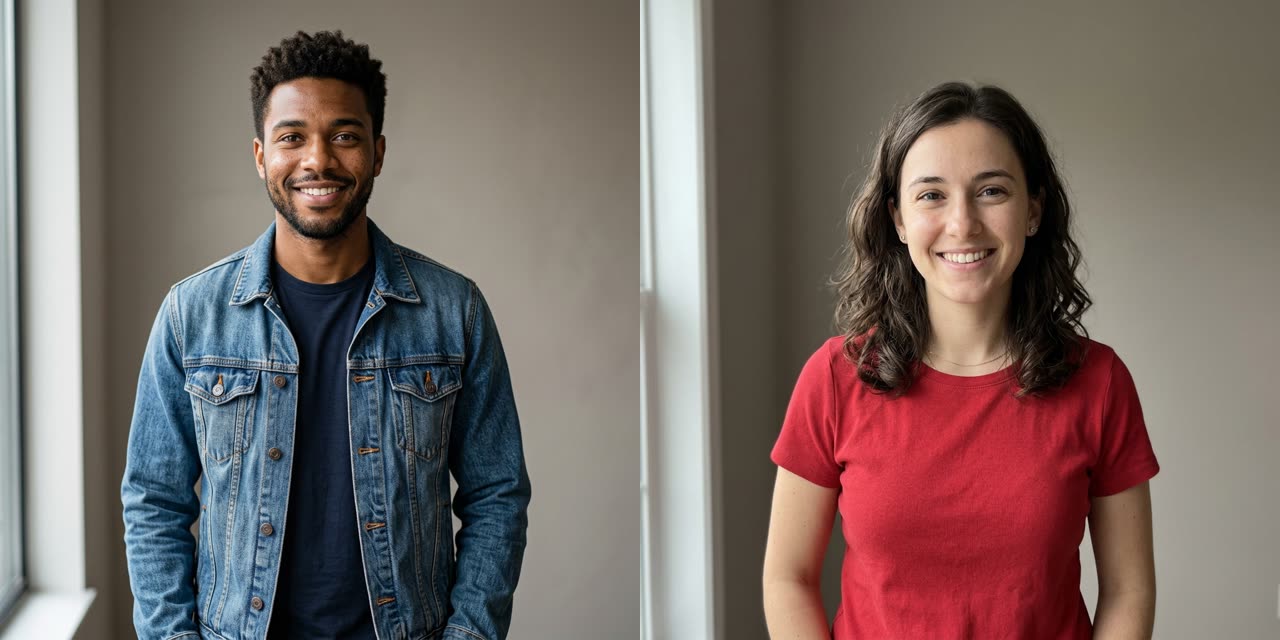 Example photo
 Example photo
How to use Zombie Love Story AI
Upload the survivor first, then the partner
Photo 1 plays the human survivor and photo 2 becomes the infected partner. The roles never swap. Use one adult per photo, face toward the camera; the two photos can be from anywhere.
Keep the 12-second story length
The story is timed for 12 seconds at 720p, vertical 9:16, on Seedance 2.0 Mini, which costs 10 credits. You can change model or length in the settings and see the new price before paying.
Render and download
Rendering usually takes a few minutes and continues if you close the page. Download it from My Works, or from the private link we email to guests, and post it with the sound you like.
What the zombie love story AI trend is
A zombie love story clip is a tiny film in two halves. In the first half, someone you love has turned, and the survivor has a weapon raised. In the second, the survivor chooses not to shoot, holds them, and the film cuts to a happier memory of the two of them. It flips the usual zombie ending: the moment that should be the attack becomes a hug. People make it with partners, best friends and siblings, often around anniversaries or Halloween.
The format spread across TikTok, Reels and Shorts as a two-photo effect, and the tools that rank for it describe the same beats. We pulled frames from a popular version and wrote our preset to match its look: a stone-walled cabin for the first half and a snowy hilltop at sunset for the memory.
The story beat by beat
- 0 to 5 seconds: a dim cabin kitchen with stone walls, seen over the survivor's shoulder. The survivor, in tears, holds up a handgun. Through a stone archway the partner shuffles closer, with pale grey skin, cloudy white eyes and faint dark veins, dressed in their own outfit, now ripped and covered in dust. A brief close-up shows the partner is still recognizable.
- 5 to 8 seconds: no shot comes; the gun drops, the survivor opens their arms, and the partner steps into a gentle hug.
- 8 to 12 seconds: a hard cut to the same two people, healthy, laughing and hugging on a snowy hilltop at golden sunset, then a wide silhouette of the pair beside a lone bare tree.
The light shifts from cold blue shadows to warm sunset, and emotional piano music runs underneath. The preset rules out blood, wounds, biting, gunfire and kissing, so the clip stays sad and sweet rather than gory.
What you get
The default is 12 seconds at 720p, vertical 9:16, made on Seedance 2.0 Mini, for 10 credits. Our smallest pack is US$9.90 for 10 credits, so one pack makes one film, and guests can pay without an account. The piano music is generated with the video. There is no watermark. If a render fails or times out, the credits are refunded automatically.
Tips from our test renders
- Order is everything. Photo 1 is always the survivor and photo 2 always turns. Double-check before you press Generate, because swapping roles means a new render.
- The survivor starts from behind. The opening is an over-the-shoulder shot, so the survivor's face shows properly from the hug onward. The partner's face is the one in close-up early.
- Traces of the zombie look can linger. In one of our test renders the partner still had a torn top and faint marks in the sunset memory. The preset asks for both to be healthy there, but the model does not always clean up completely.
- Faces stayed recognizable through the makeup. Grey skin and white eyes were applied over the partner's own features, and the face read as the same person in the memory scene.
- Adults only. The preset is written for two adults, and it is meant for people who agreed to be in it.
Choosing who survives
Most people put themselves in photo 1 and the person they are sending it to in photo 2, so the clip says "I would still choose you". It also works the other way round as a joke between friends: the one who always shows up late gets to be the zombie. Either way, ask the other person first; nobody likes finding their face turned grey without warning.
FAQ
- What exactly is the zombie love story AI trend?
- It is a two-photo AI effect that tells a short apocalypse love story. One person faces a partner who has turned into a zombie, lowers the weapon instead of firing, and hugs them. The clip then cuts to a warm memory of the two together. People make it with partners, friends and family.
- How do I create an AI zombie love story?
- Upload a photo of the survivor, then a photo of the person who becomes the zombie, and press Generate. The cabin, the transformation, the hug and the sunset memory are already in the preset, so there is no script to write. The default video is 12 seconds at 720p for 10 credits.
- Which photo becomes the zombie?
- The second photo. Photo 1 is always the human survivor holding the gun, and photo 2 is the infected partner who walks in through the archway. The preset tells the model never to swap the roles. If you want it the other way round, change the order of your uploads before you generate.
- Is the zombie love story video gory?
- No. The preset rules out blood, wounds, biting and gunfire. The infected look comes from grey skin, cloudy white eyes, faint veins and torn, dusty clothes. The gun is lowered without a shot being fired, and the story ends on a hug and a sunset, not an attack.
- Does the zombie love story video have sound?
- Yes. The model generates emotional piano music together with the picture, so the file has sound when you download it. If you would rather use a trending sound, you can add it inside TikTok or Instagram when you post; the visuals do not depend on the music.
- Can I make the zombie video longer or in HD?
- Yes, within limits. Before you generate, the settings let you choose a longer clip, up to 15 seconds on most models, or a model that renders 1080p, at a higher credit price shown up front. After it is done, you can also upscale the clip to 1080p for 3 credits.
- Will the zombie love story effect work with my pet?
- This page is written and tested for two adult people. We have not tested a pet as the survivor or the zombie, so we cannot promise how the transformation or the hug will look. If you try it, expect results to vary, and keep in mind that each render is paid.
- My video failed. Was I charged?
- No. If a render fails, the service is unavailable or it runs past our time limit, the task ends and your balance gets the credits back on its own. If a photo was refused at the safety check, nothing was taken in the first place. You can try again straight away.
Make your Zombie Love Story AI video
Upload, tap once, and your video is ready in a few minutes.