Hotel Lobby AI Video Generator
Upload one photo of each person and you both stand in the saturated orange booth, taking turns on a single hanging microphone in a 12-second rap duet. Sample people are AI-generated. Not the official video.
- Sample 1
- Sample 2
Add 2 photos
JPG, PNG or WebP, up to 30MB
Pick quality and length
This video: 10 credits · 10 videos a month for $29.90, or 40 a year for $100
By creating, you confirm you have permission to use these photos. A video that fails is never charged.
No sign-up needed · Pay once, download your video
Unofficial fan-made tool. Not affiliated with or endorsed by Quavo, Takeoff and COLORS or any rights holder.
See a ready-made result instantly. No credits used.
Hotel Lobby AI examples: photo in, video out
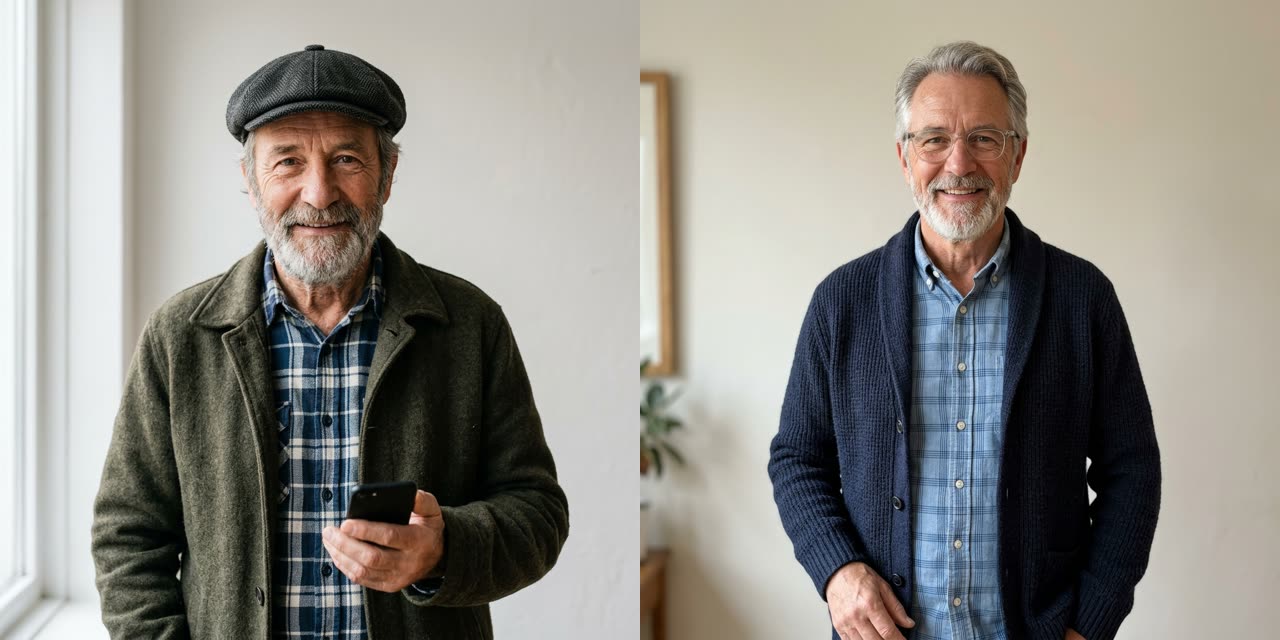 Example photo
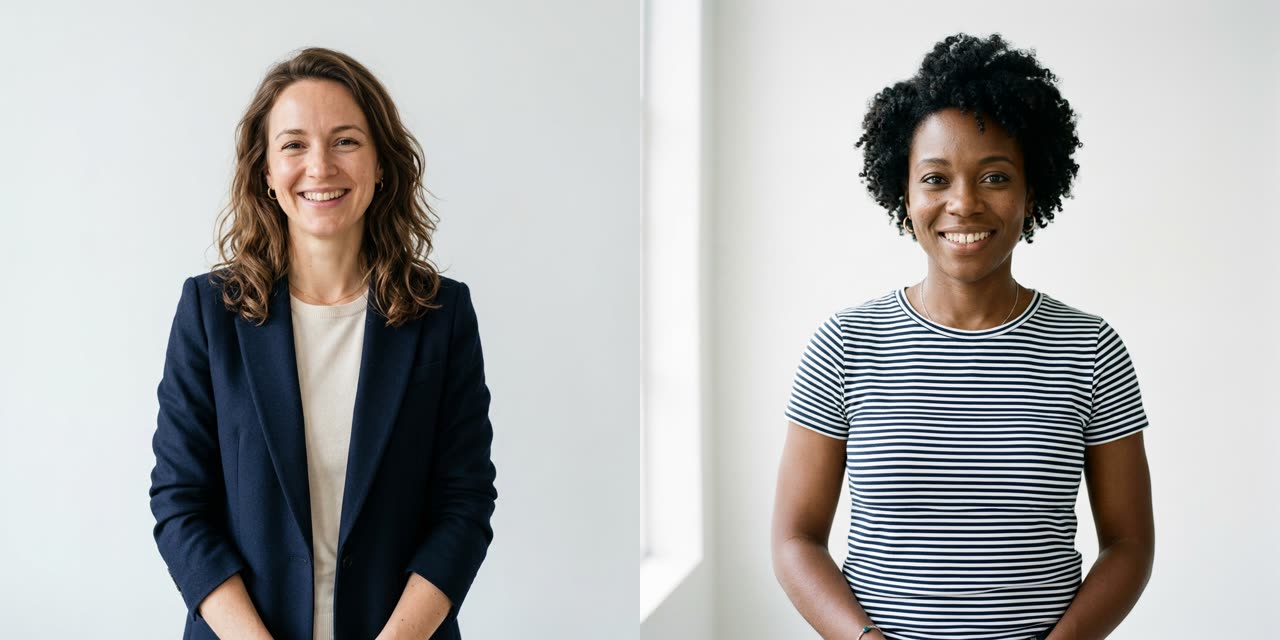 Example photo
How to use Hotel Lobby AI
Add one photo per performer
Photo 1 becomes the rapper on the left, who opens the clip. Photo 2 stands on the right and takes the second verse. Use one person per photo, facing the camera, waist-up or full length if you have it.
Keep the booth preset or adjust it
The page starts on Seedance 2.0 Mini, 720p, 12 seconds, vertical 9:16, which costs 10 credits. Open the settings only if you want another model or length; the new credit price shows before you pay.
Generate, then download and post
Rendering usually takes a few minutes and keeps going if you close the tab. Download the clip from My Works, or from the private link we email to guests, and add a sound in TikTok or Reels if you want one.
What the Hotel Lobby AI trend actually is
Nothing in these clips happens in a hotel. The name comes from "HOTEL LOBBY (Unc & Phew)", which Quavo and Takeoff performed on A COLORS SHOW; the session went up on YouTube on 17 June 2022. COLORS films each artist in front of one flat color, and this set was orange: the two rappers stand side by side and lean in turn toward one microphone hanging from the ceiling.
In 2026 that frame became an AI trend on TikTok, Instagram Reels and X. People drop in best friends, coworkers, parents or fictional characters, and the results look strikingly alike: same orange wall, same single mic, same back-and-forth. Tom's Guide (republished by Yahoo Tech) pointed out the part many viewers miss: Takeoff died in November 2022 at 28, so some fans find the trend uncomfortable, while Quavo has called the renewed attention bittersweet. Keep that in mind when you post.
Our version uses no footage, audio or likeness from the session. The two people in your clip come only from the photos you upload, and the moves are generated fresh each time.
What we matched to the original, and what you get
Before writing the preset we pulled frames from the original session and checked three details that make the clip read as "Hotel Lobby" at a glance: a vivid, saturated orange wall and floor, exactly one vintage-style mic hanging between the two performers, and no microphone stands on the floor. The 12 seconds are split into three beats. From 0 to 4 seconds the left rapper leans into the mic while the right one nods along; from 4 to 8 the right rapper takes over; from 8 to 12 both face the camera and finish on a shared pose.
By default the clip renders on Seedance 2.0 Mini at 720p, vertical 9:16, 12 seconds, for 10 credits. Our smallest pack is US$9.90 for 10 credits, so that is one video, and you can pay as a guest without making an account. The beat and the rap vocals are generated by the model: it is not the original song and not your voice. There is no watermark. If a render fails or times out, the credits go back automatically; if a photo is refused at the check, nothing is charged.
Photo tips from our own test renders
- Expect one hanging mic. Early test renders added floor stands next to the hanging mic, even when the preset said "no stands". The preset now describes a single mic on a long cable with an empty floor and free hands, and the renders we kept since then show only the hanging mic.
- One person per photo. Every render we kept from two separate photos kept the faces apart; we saw no blending of the two people.
- Separate photos are fine. Our test photos were taken separately against different backgrounds, and the booth replaced both backgrounds completely.
- Show the mouth clearly. The middle beat is a medium shot of one rapper at the mic, so a hand, cup or phone near the mouth in your photo shows up as a weak face there.
- Waist-up carries the outfit. Jackets, checked shirts and flat caps from our test photos came through into the booth almost unchanged.
- Decide the order first. Photo 1 always opens on the left. Swap the uploads if the other person should start.
Hotel Lobby AI compared with a face-swap template
Many apps make this trend by pasting faces onto the real COLORS footage. That keeps the exact choreography and the song, but it reuses someone else's performance and often shows seams around the jaw and hair when the head turns. Here the whole booth is generated from your two photos, so the bodies, hands and clothes are yours from start to finish. The trade-off is honest: the gestures are the model's own invention and do not follow the 2022 session move for move, and the audio is a new beat.
FAQ
- How to do hotel lobby AI?
- Upload two photos on this page, one for the left rapper and one for the right, and press Generate. The preset already describes the orange booth, the single hanging mic and the three-beat performance, so you do not need to write a prompt. A 12-second 720p video takes 10 credits, and it usually finishes in a few minutes.
- What is the Hotel Lobby AI trend?
- It is a wave of AI clips that recreate Quavo and Takeoff's "HOTEL LOBBY (Unc & Phew)" session on A COLORS SHOW, published in June 2022. Two people stand against a bright orange wall and trade lines into one hanging microphone. In the AI versions, anyone from your best friend to a coworker takes the two places.
- Does Hotel Lobby AI create a real hotel lobby?
- No. Despite the name there is no reception desk or hotel interior anywhere in the trend. "Hotel Lobby" is just the song title. What people recognize is the bare orange studio with a single hanging mic, and that is what this page renders: an orange wall and floor, studio lighting and your two performers.
- Do I need one photo or two?
- Two. This page asks for one photo of each person, because a separate, clear face for each role keeps the two people from mixing. The photos do not have to be taken together or in the same place; the booth replaces both backgrounds. Choose photos where each face is well lit and faces the camera.
- Is Hotel Lobby AI free?
- No, every video is paid. The default 12-second 720p clip costs 10 credits, and our smallest pack is US$9.90 for 10 credits. You can pay as a guest without signing up. If the render fails or times out, the credits are returned to you automatically, and a photo refused at the safety check is not charged.
- Does the video include the original Hotel Lobby song?
- No. The model generates its own hip-hop beat and rap vocals to match the performance, so you will not hear the original recording or your own voice. If you want the real song, add it from the TikTok or Instagram sound library when you post; those apps handle the music licensing there.
- Which person ends up on the left and which on the right?
- Photo 1 is always the rapper on the left, who leans into the mic first, and photo 2 stands on the right and answers in the second beat. In the last four seconds both face the camera together. If you want the other person to open, swap the two uploads before you press Generate.
- Is there a Hotel Lobby AI filter on TikTok or Instagram?
- This is not an in-app filter. You make the clip on this website, download the finished file and upload it to TikTok, Reels or Shorts like any other video. That way you can post the same clip on several apps, and the vertical 9:16 format fits all of them without cropping.
Make your Hotel Lobby AI video
Upload, tap once, and your video is ready in a few minutes.